
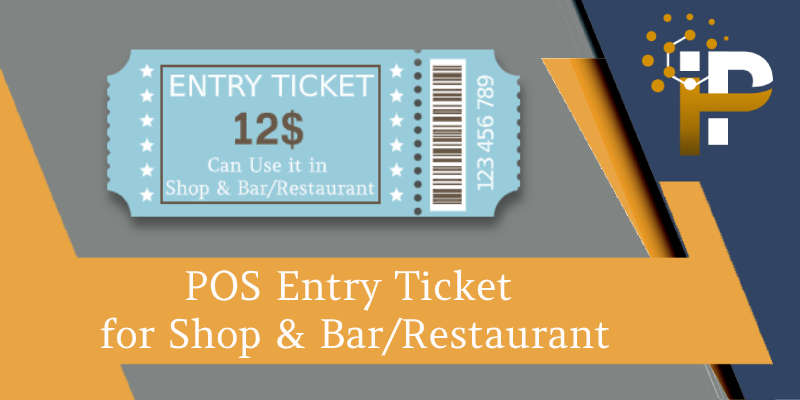
POS Entry Ticket for Shop & Bar/Restaurant
POS Entry Ticket for Shop & Bar/Restaurant with entry pass and Used for Redeem on Bill.
- Allow creating Screen Session Type as Entrance or normal Point of sale.
- From Entrance Type, we can filter product by category and POS user can print Entry Tickets.
- Entry Tickets are the number of quantity added in order with product amount.
- Entry Tickets can be used at the time of payment in Screen Session Type "Point of sale".
- Screen Session Type with "Point of sale" we can scan Entry Ticket with Ticket bar code and the amount will affect as per Ticket value.
- We can apply for multiple tickets on a single order at the payment screen.
- Order with less amount then Ticket amount then the remaining amount is count as the non-returnable amount.
- Manager can see all generated Entry Tickets on Entrance with amount, used amount and used order details.
- Day wise Report facility to get details of Entry Tickets.
After the installation of the module, Go to Point Of Sale > Configuration > Point of Sale.
1) Select Screen Session Type Point of Sale & Ticket Journal.

1.1) Below is the Ticket Journal screen. To enable ticket scanning on the POS payment screen for entry, you must select the Use for POS Entry Ticket option.

2) Select Screen Session Type Entrance & Entrance Ticket Product Categories to filter product at Entrance screen.

In Point Of Sale Screen Session Type with Entrance shows all product of selected category.

After adding items to the cart and completing payment, the Entrance screen generates a ticket with a barcode. This ticket can be scanned at a shop, bar, restaurant, or any other POS session.

In Point Of Sale Screen Session Type with Point of Sale user can use Ticket on payment screen
A). Use Multi Ticket on same order

B). Low amount order then Ticket Amount

C). Duplicate Ticket Restriction

D). Invalid Screen Ticket Restriction

A). All POS Entry Ticket: Point Of Sale >> Configuration >> POS Entry Ticket

B). Entry Ticket used with Full Amount

C). Entry Ticket used with less Amount
If a ticket is applied for an amount less than the order total, the remaining balance is treated as a non-refundable (not returned) amount.
A). Point Of Sale >> Reporting >> POS Entry Ticket Select Report Date to print Entry Ticket Details.

B). Entry Ticket Details

Technical Help , Queries & Support
For any other assistance related to the new Odoo feature, customization or Odoo Development.